
Download HTML Editor PRO - Ai Agent – AI-Powered Web Development, Cloud-Based Coding, Real-Time Collaboration
Overview
HTML Editor PRO - Ai Agent is a mobile application designed to empower users with a streamlined, intelligent platform for web development directly from their Android devices. Built with a focus on accessibility and efficiency, the app enables both novice and experienced developers to create, edit, and manage websites with minimal friction. Its core purpose lies in simplifying the web development process by integrating artificial intelligence as a personal coding assistant, allowing users to generate entire websites with just a single prompt. This functionality is especially valuable for individuals who need to prototype ideas quickly or maintain projects on the go.
The app addresses common challenges in mobile web development, such as limited coding tools, lack of cross-device continuity, and the complexity of managing projects across multiple platforms. By leveraging cloud-based infrastructure, HTML Editor PRO ensures that projects are securely stored and accessible from any device with a connection, eliminating data loss and device dependency. This makes it particularly useful for freelance developers, students, educators, and content creators who require flexibility in their workflow.
Target users include aspiring web developers seeking an accessible entry point into coding, professionals needing a portable development environment, and teams collaborating on shared projects. Although the developer did not provide additional background, the app’s emphasis on AI integration and cloud synchronization positions it as a modern utility within the productivity and development ecosystem. The release date of April 10, 2025, marks its entry into a growing market for mobile-first development tools.
Key Features & Functionality
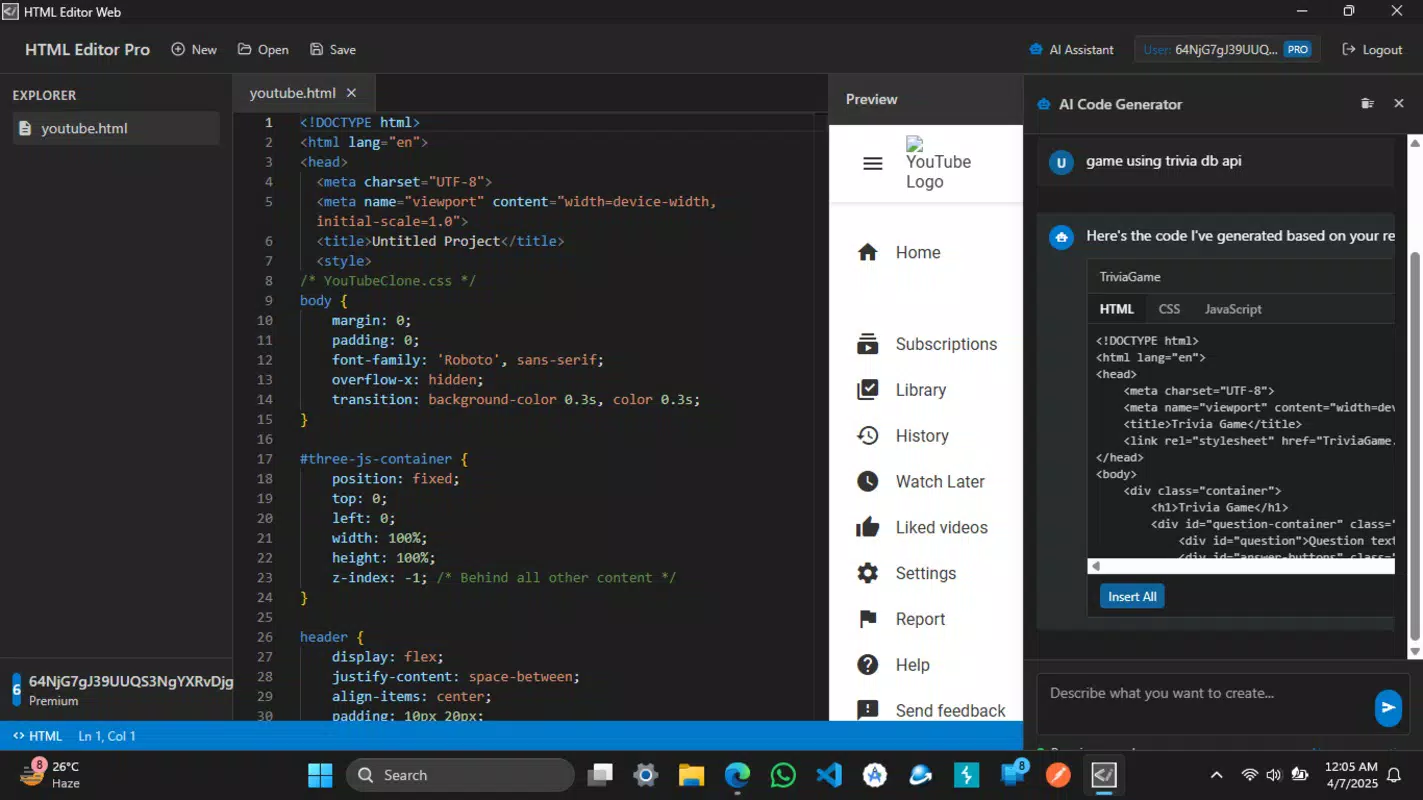
- AI-Powered Website Generation: Users can generate complete websites using natural language prompts. For example, typing “Create a portfolio site for a photographer with a dark theme and image gallery” triggers the AI to produce functional HTML, CSS, and JavaScript code, significantly reducing manual coding time.
- Cross-Platform Project Access: After creating a free account, users can access their projects from Android devices and desktops. This enables seamless transitions between environments—such as drafting a site on a phone during a commute and refining it on a laptop at home.
- Cloud-Based Project Management: All projects are stored securely in the cloud, ensuring automatic backups and version control. This prevents data loss and allows users to recover previous iterations without manual effort.
- Real-Time Collaboration: Multiple users can edit the same project simultaneously. This is ideal for team-based assignments, remote learning, or collaborative content creation, where immediate feedback and shared editing enhance productivity.
- User-Friendly Interface: The layout is designed for intuitive navigation, with clearly labeled tools and a clean visual hierarchy. Beginners benefit from reduced learning curves, while advanced users appreciate the uncluttered workspace that prioritizes functionality over complexity.
Each feature is built to enhance workflow efficiency. For instance, the AI assistant not only generates code but also suggests improvements based on best practices, making it a valuable learning aid. The cloud integration ensures continuity, while real-time collaboration supports dynamic teamwork, positioning the app as a versatile tool across various real-world scenarios.
Interface, UX & Performance
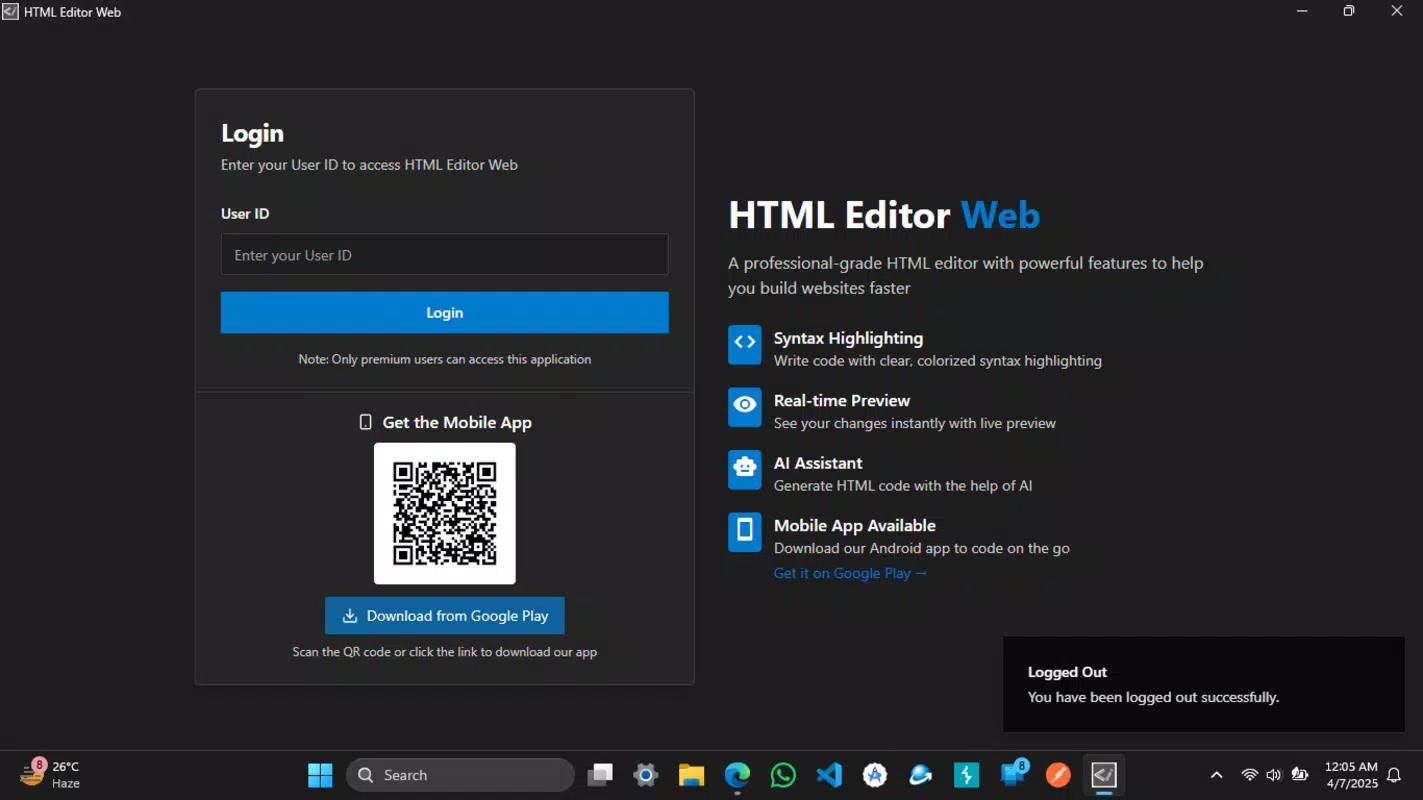
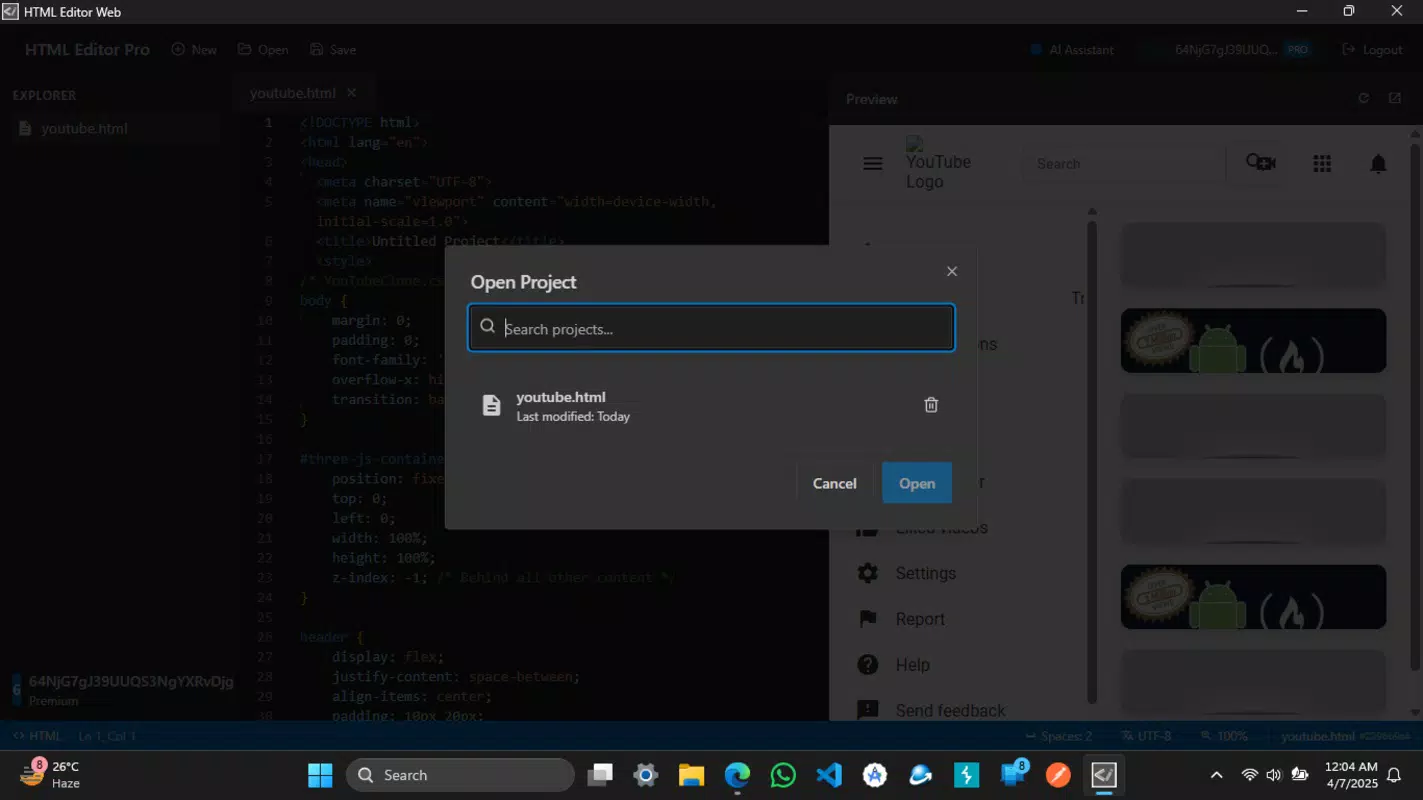
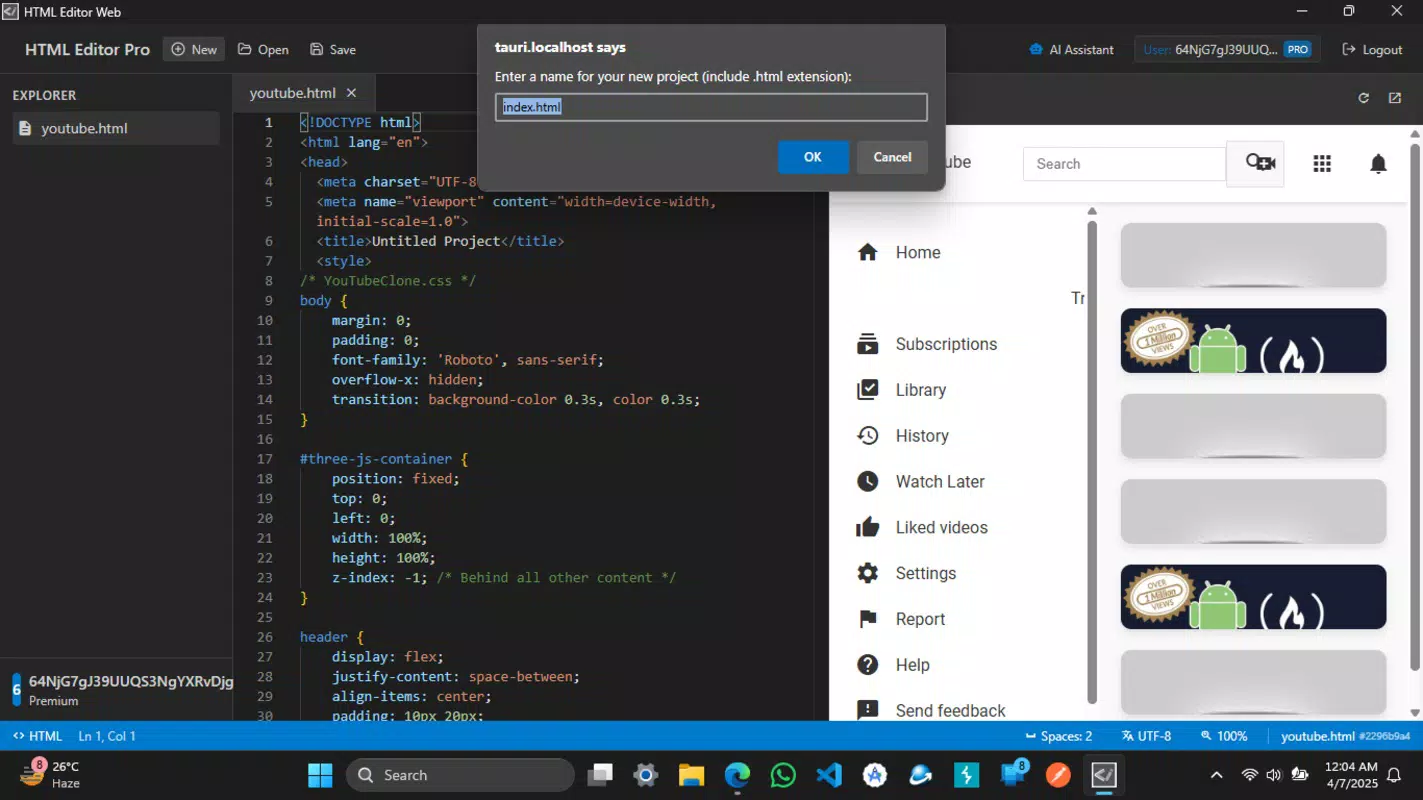
The interface of HTML Editor PRO - Ai Agent reflects a modern, minimalist design approach, optimized for touch-based interaction on Android devices. The layout is structured around a central code editor with contextual toolbars, sidebar navigation for project files, and a prompt input zone for AI interactions. Visual cues such as syntax highlighting and line numbering improve code readability and reduce errors during editing.
Navigational flow is linear and intuitive, allowing users to open projects, switch between files, and trigger AI actions with minimal taps. The app maintains consistent responsiveness across different screen sizes, suggesting adaptability to various Android device categories. Although the developer did not list formal performance metrics, the app’s lightweight file size of 20.4 MB indicates a focus on efficient resource usage.
Stability appears to be a priority, as the cloud synchronization mechanism implies a robust backend. The absence of reported crashes or lag in the provided information suggests reliable operation during typical use. However, actual performance may vary depending on network conditions, device capabilities, and the complexity of the projects being developed. Users are advised to ensure stable internet access for optimal AI functionality and real-time collaboration.
Platform Compatibility & Technical Requirements
HTML Editor PRO - Ai Agent is available exclusively on the Android platform. The app is compatible with Android devices running the minimum operating system version specified by the developer, though specific requirements were not listed. The application size is 20.4 MB, indicating a lightweight footprint suitable for most modern Android smartphones and tablets.
As the app relies on cloud services for project storage and AI processing, a stable internet connection is essential for full functionality. Users must have access to a web browser and a free account to leverage cross-device synchronization and collaboration features. The developer did not disclose additional technical specifications such as RAM or processor requirements, nor did they specify compatibility with older Android versions.
Pros and Cons
Pros
- AI-powered code generation enables rapid website creation with minimal input.
- Cloud-based storage ensures secure, accessible project backups across devices.
- Real-time collaboration supports team-based development and remote teamwork.
- Intuitive interface reduces the learning curve for beginners.
- Free to download and use, making it accessible to a broad audience.
Cons
- Specific OS version requirements were not disclosed.
- Performance may vary depending on internet speed and device capabilities.
- Full functionality depends on a stable internet connection.
- Developer background and company details were not provided.
- Long-term update frequency and support plan are unknown.
FAQ
Is HTML Editor PRO - Ai Agent safe to download and use?
The app is free and available through official Android channels. As with any third-party application, users should ensure they download from trusted sources to maintain device security.
Can I use HTML Editor PRO - Ai Agent without an internet connection?
Basic code editing may be possible offline, but AI features, cloud storage, and real-time collaboration require an active internet connection.
Is the app available for iOS devices?
Currently, the app is only available for Android. No information was provided regarding future iOS support.
How do I start using the AI assistant?
After installing the app, create a free account and use the prompt field to describe the website you want to build. The AI will generate the corresponding code.
Are my projects secure in the cloud?
Projects are stored in the cloud with secure access protocols. The developer did not disclose specific encryption details, but cloud-based project management implies standard data protection measures.
Final Thoughts
HTML Editor PRO - Ai Agent represents a significant advancement in mobile web development tools, combining AI intelligence with cloud accessibility in a single, lightweight package. Its ability to generate full websites from simple prompts makes it an invaluable asset for developers seeking speed and efficiency. The integration of real-time collaboration and cross-platform access further enhances its utility in both educational and professional settings.
While some technical details remain unspecified, the app’s core functionality is well-executed and focused on user empowerment. It is particularly beneficial for students learning web development, freelancers needing a portable solution, and small teams requiring flexible project management. The free pricing model adds to its appeal, offering robust features without financial barriers.
For anyone looking to build or edit websites on the go, this app delivers a modern, intelligent, and accessible experience. Download HTML Editor PRO - Ai Agent now


